Getting Started
This guide will help you install and set up Helpdesk MX app for your shopify store.
Install Helpdesk MX from the Shopify App Store
You can get Helpdesk MX in just 4 simple steps:
- Log in to your Shopify store admin
- Search for Helpdesk MX in the Apps section, or go directly to the Shopify App Store
- Click the Install button on the Helpdesk MX app page
- Review the permissions and click Install to confirm
That's it! You can now find Helpdesk MX in the Apps section of your Shopify admin.
Configure Helpdesk MX
Our Helpdesk MX app is a simple yet powerful tool for building and boosting your customers' support experience. While many functions work out-of-the-box, tuning specific settings will maximize productivity and customer satisfaction.
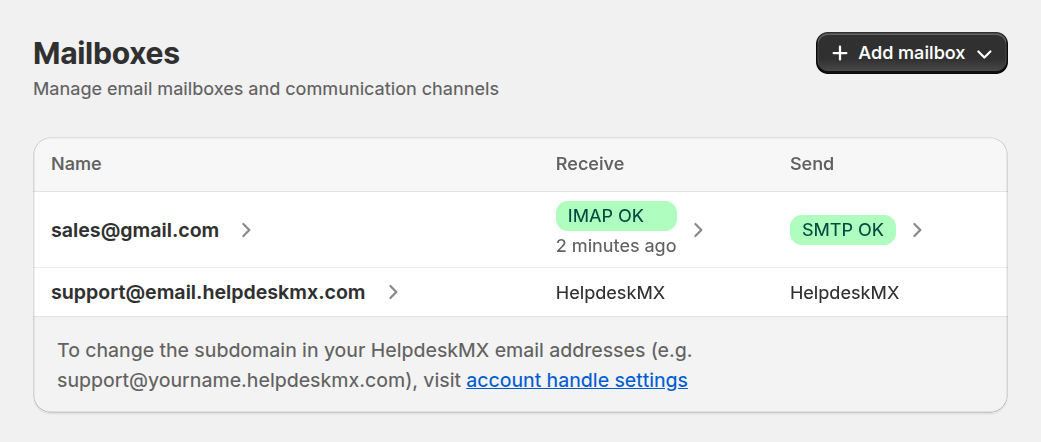
Connect your support email
Enabling an mailbox service allows your customers to submit and update tickets directly via email, streamlining the support experience. Once configured, Helpdesk MX will automatically check for new emails and create tickets from them.
For detailed email setup instructions, see our Mailboxes guide.
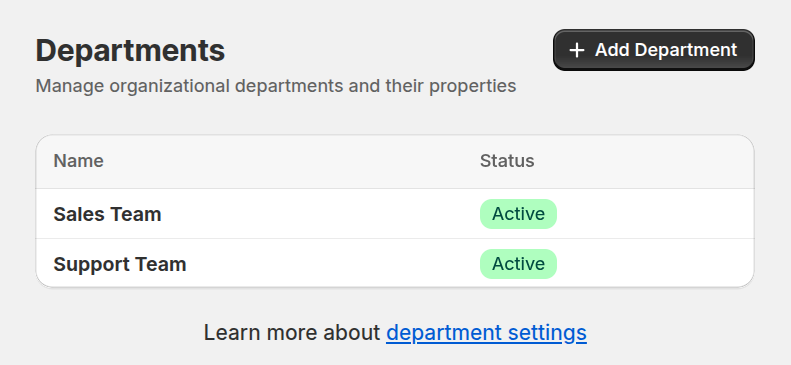
Set up departments to organize your team for better efficiency
Create clear lines of responsibility and accountability by registering your support staff (backend users) under the Department section. Ensuring that the right staff members handle the right tasks. This setup increases efficiency and improves response times.
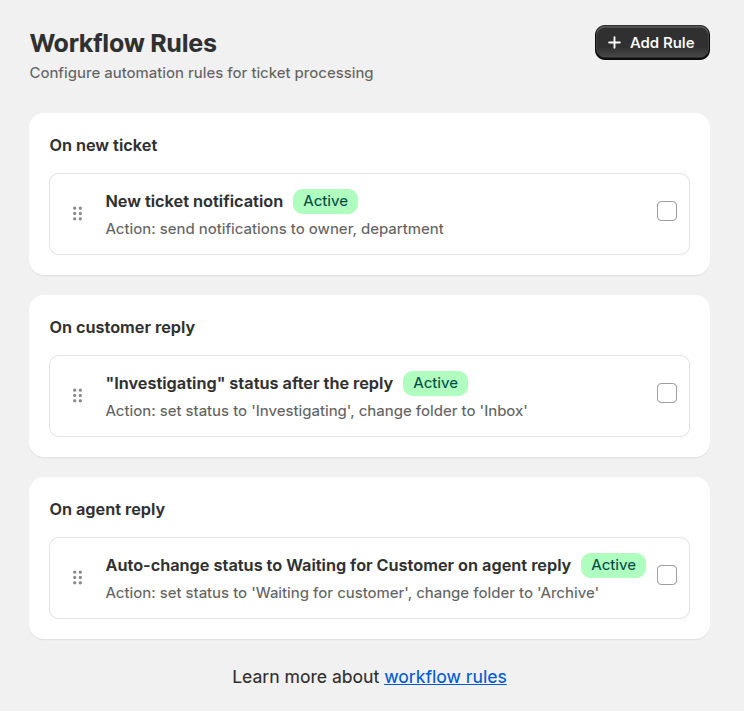
Automate routine tasks with workflow rules
Automate repetitive tasks with the Workflow rules. These rules help streamline operations, from automatically assigning tickets to the correct department to sending status updates to customers, allowing your team to focus on more complex tasks.
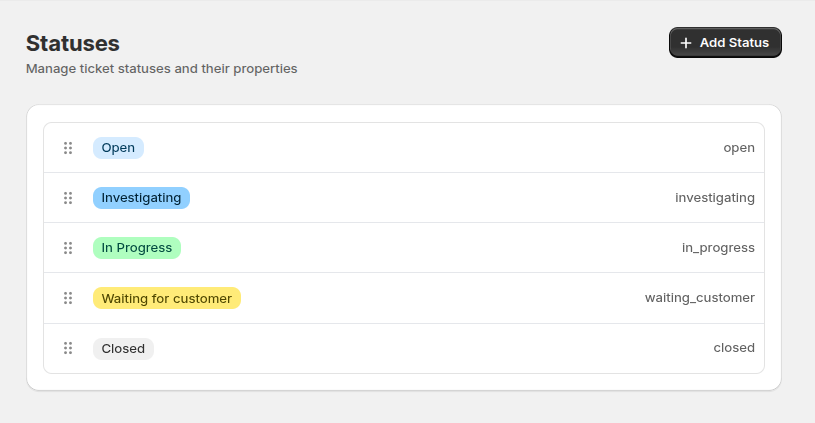
Define the statuses for a clear ticketing process
Organize the life cycle of a ticket with appropriate Statuses. By assigning tickets to various stages (e.g., New, In progress, Closed), you guide the resolution process, keeping the team and customers informed at each step.
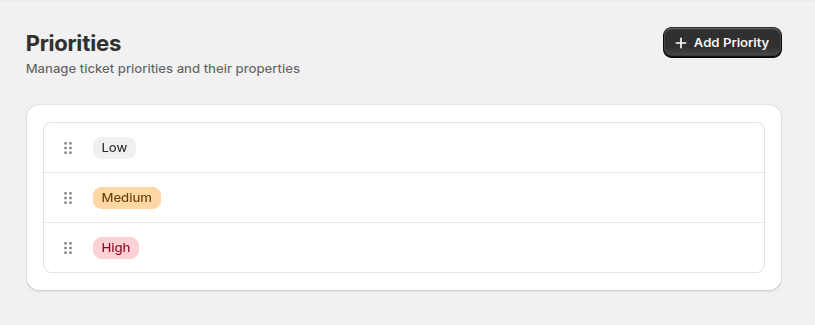
Prioritize tickets for effective management
Use the Priorities feature to categorize tickets based on urgency, allowing your team to focus on critical issues first. Clear prioritization helps reduce response times for high-priority cases, improving customer satisfaction.
Enable contact us widget
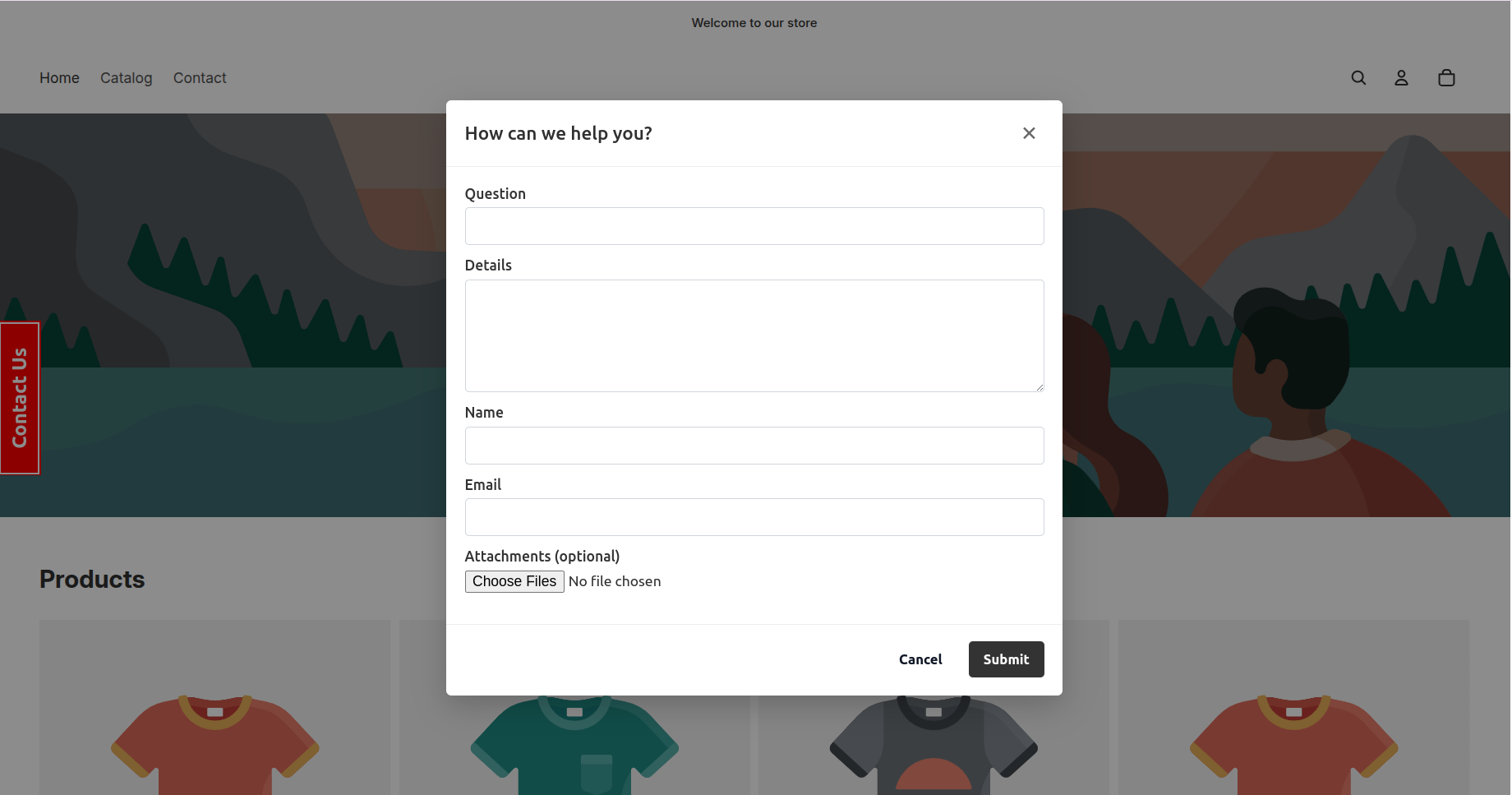
Enable the Contact Us Widget to let customers quickly reach your support team from any page of your storefront. Once enabled, a small floating button will appear on the site, allowing visitors to open a contact form without leaving the current page.
What's Next?
Now that you have Helpdesk MX set up, explore these guides:
- Managing Tickets - Learn how to work with customer tickets
- Email Mailboxes - Detailed email setup guide
- Settings - Customize departments, priorities, and users
- Automation - Save time with automated responses