How to create departments
Organizing your support team into Departments ensures that customer inquiries are handled by the most relevant team members, enhancing the overall efficiency of your helpdesk operations. By categorizing support requests into specific Departments, your business can streamline ticket management, optimize staff performance, and improve customer satisfaction.
Follow these steps to create a department:
Navigate to Helpdesk MX -> Settings -> Departments.
Press the Add department button.
Fill in the information. A detailed description of the fields can be found in the Departments section of our documentation.
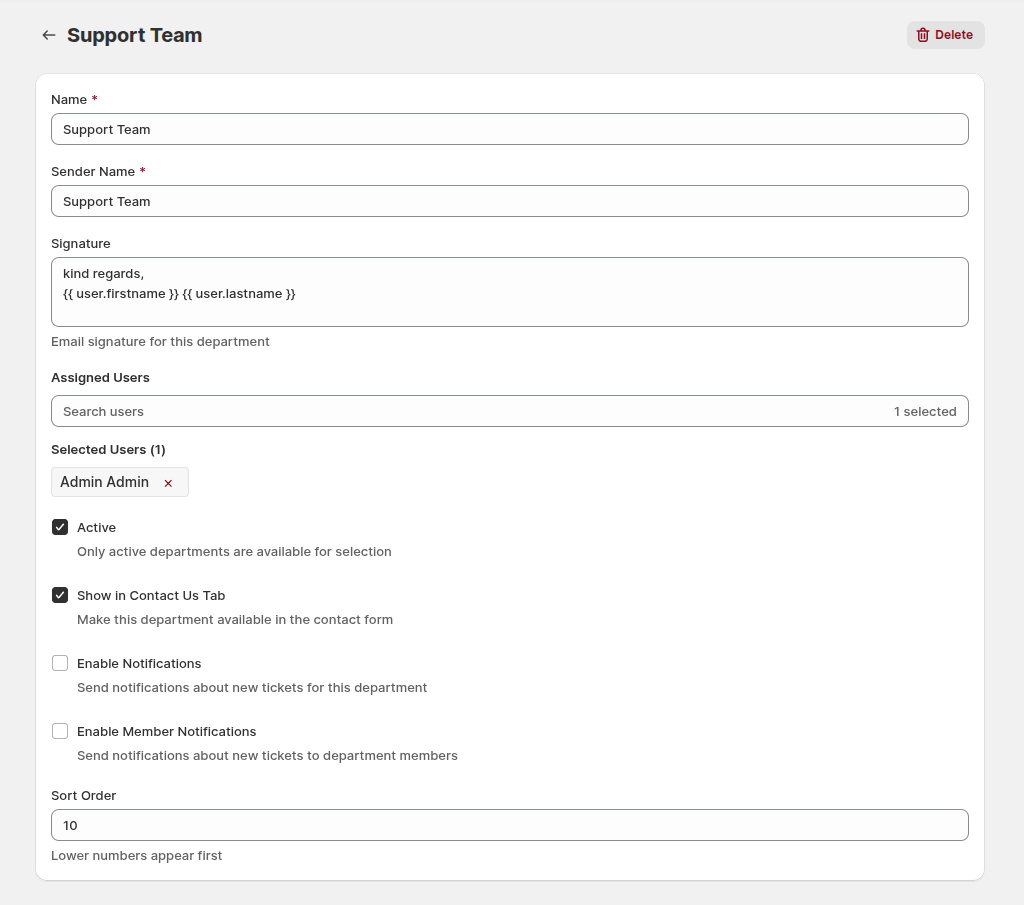
Set up notifications.
Press the Save button to finish creating the department.