How to create priorities
Priorities are essential in managing ticket resolution by categorizing issues based on their urgency. By setting up priorities in your Helpdesk, you can ensure that critical tickets are addressed promptly, improving response times and customer satisfaction. Priorities help your support team focus on the most urgent tasks first, streamlining workflow and increasing efficiency across the board.
Follow these steps to create a priority:
Navigate to Helpdesk MX -> Settings -> Priorities.
Press the Add priority button.
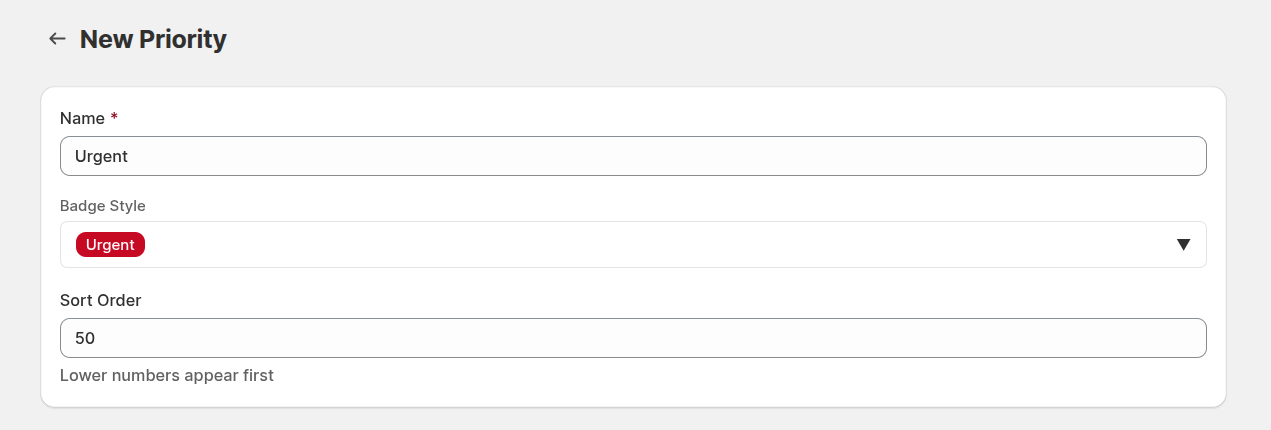
Fill in the information. A detailed description of the fields can be found in the Priorities section of our documentation.
- Press the Save button to finish creating the priority.