Profile & Security
The Profile page lets you manage your personal information, security, and active sessions. Keeping this information up to date helps protect your account, ensures smooth communication with customers, and provides a comfortable, personalized working environment.
Profile Information
Here you can update your basic personal details:
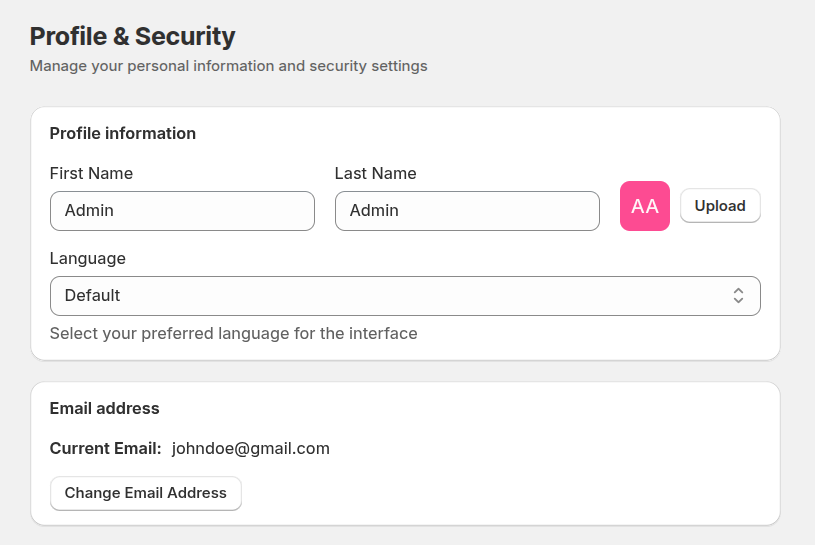
- First Name – your displayed first name.
- Last Name – your displayed last name.
- Language – select the preferred interface language from the available options. The selected language determines how the system UI is displayed.
- Profile Avatar – upload or change your profile image that will be displayed in the helpdesk interface and conversations.
- Email Address – the email address used for notifications. You can update it if you want to receive messages at a different email.
Security
The security section helps you protect your Helpdesk MX account and prevent unauthorized access.
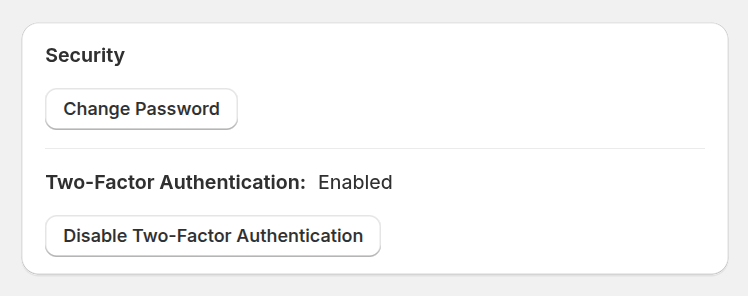
Change Password – update your password regularly to keep your account secure. Using a strong, unique password is highly recommended.
Two-Factor Authentication – enable an extra layer of protection for your account. When enabled, you will be asked to verify your identity using a second factor during login, significantly reducing the risk of unauthorized access.
Sessions
The Sessions section allows you to monitor and manage your active login sessions.
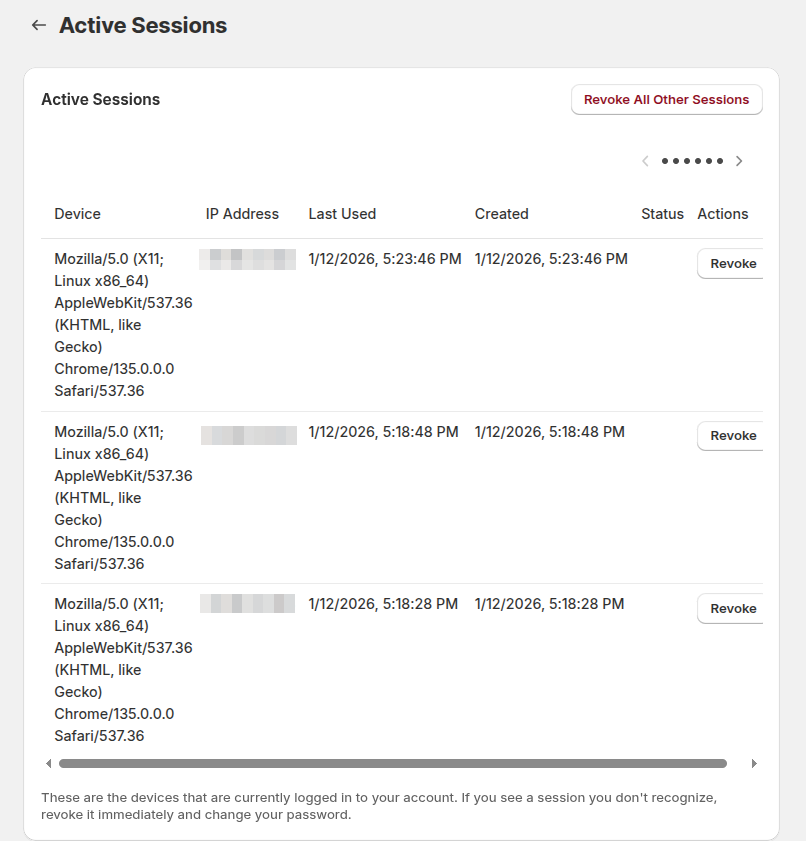
- View where and when your account is currently logged in
- Identify unfamiliar or outdated sessions
- Maintain control over account access across multiple devices
Managing your sessions helps ensure that only you have access to your Helpdesk MX account, even when working across different locations or devices.